1. Start PasteGuard
http://localhost:3000. Open http://localhost:3000 to see the dashboard.
For custom configuration, Docker Compose, or persistent logs, see Installation.
2. Choose Your Path
Browser Chat
Use the experimental browser extension with ChatGPT, Claude, and Gemini.
Apps & APIs
Change one base URL for your app or SDK.
Coding Agents
Point Codex, Claude Code, Cursor, and other coding agents at PasteGuard.
3. API Endpoints
Point your app, SDK, or coding agent to PasteGuard:4. Verify It Works
Send a test request and check the response headers:5. View Dashboard
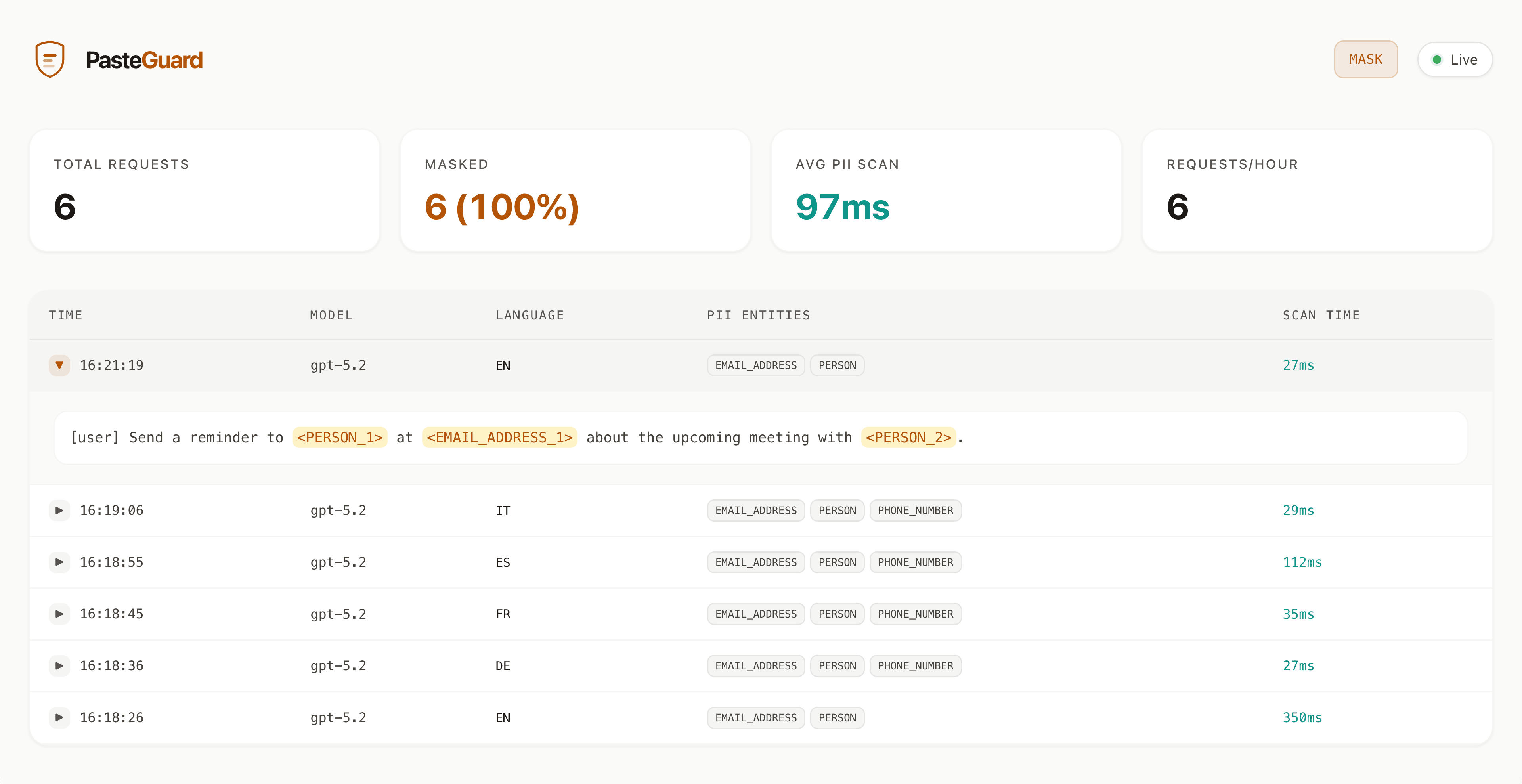
Openhttp://localhost:3000 in your browser to see:
- Request history
- Detected PII and secrets
- Masked content sent to upstream APIs or Codex CLI